

AI can build almost anything — if you ask it the right way. Think your idea through here, turn it into a clear plan, and hand your AI instructions it can actually follow.
Free forever · No credit card · macOS 12+
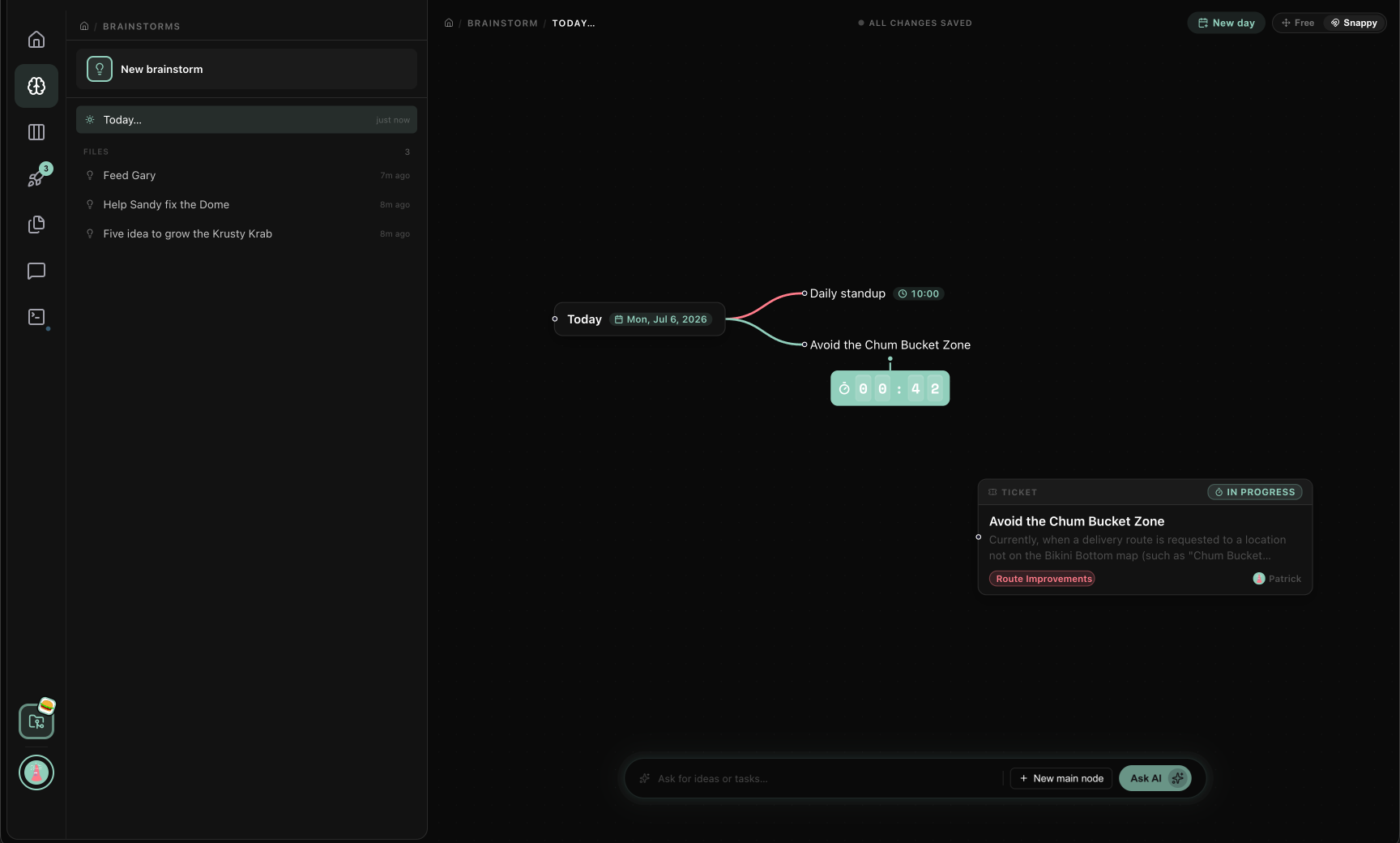
Building just got easier. AI happily takes care of the heavy lifting.
What's left is the interesting part: knowing what to make, what it affects, and which approach fits best. That's planning — and a little help there goes a long way.
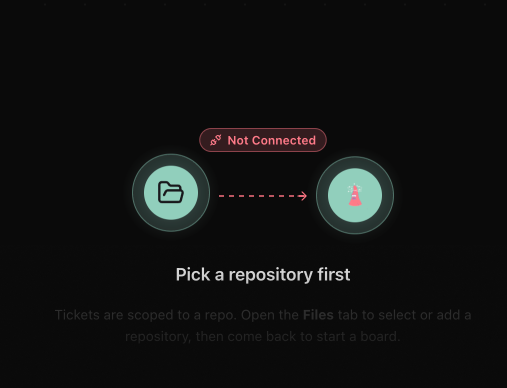
Point it at your project
Connect a project folder on your computer. It reads how everything fits together and what changed recently — the background knowledge your AI usually misses.
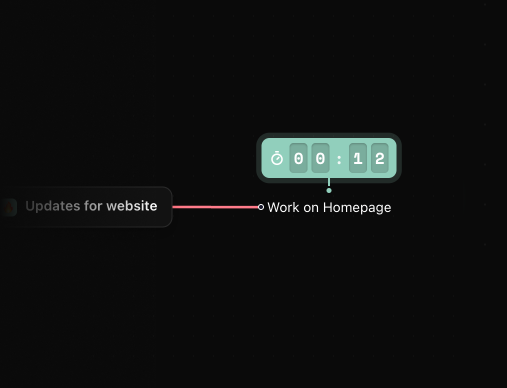
Options, not guesses
For any task, get 2–4 real ways to tackle it, based on your actual project — each with its pros, cons, and the parts it would touch.

Hand off a real plan
Polish the plan, then do it yourself or give your AI clear instructions — so it knows exactly what you had in mind.
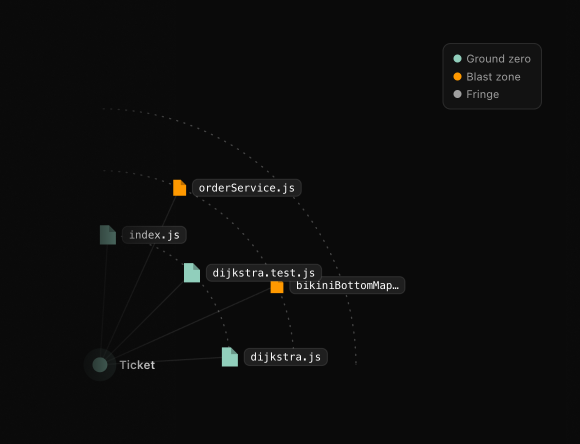
Know what a change will touch before it happens
A live map shows which parts of your project a change will ripple through, updating as you refine the plan — so you catch the risky areas before any work starts.
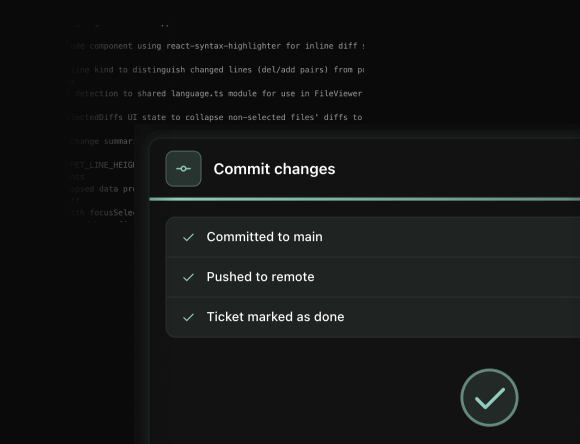
Every change summed up in plain words, written for you
Each change gets a short, clear description of what actually happened. Skim it, tweak it if you like, and keep a record you can still make sense of months later.
Jump in
Download Uhhhhhh for Mac and turn your next idea into a plan worth handing off — in under a minute.